DATA MANIPULATION IN R
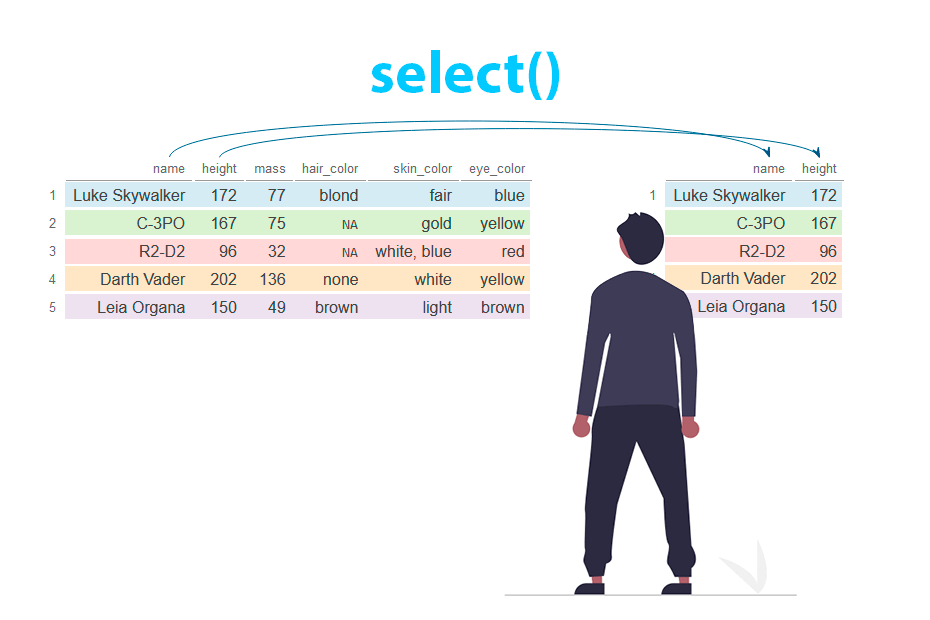
Select columns with dplyr
dplyr
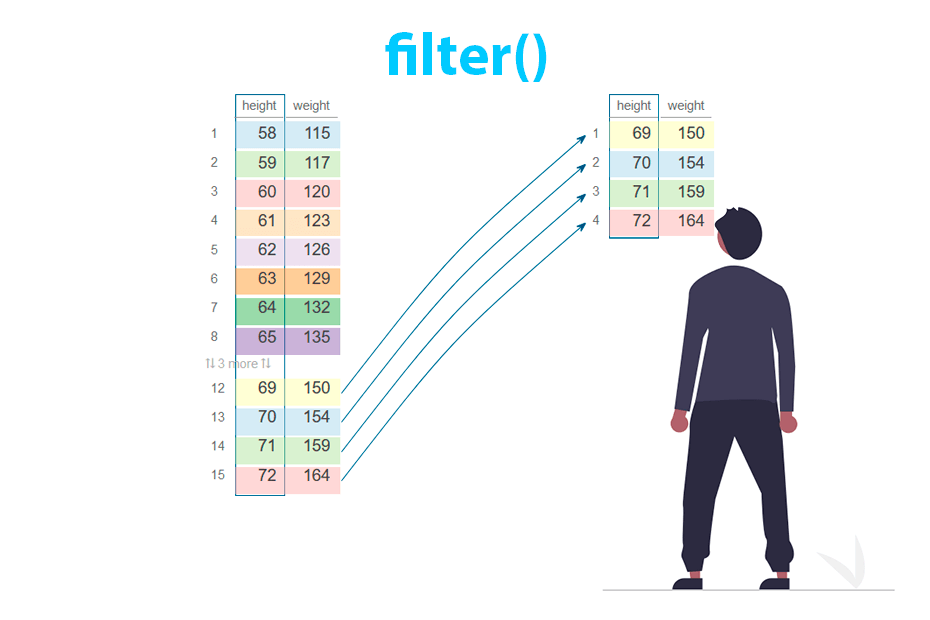
Filter rows with dplyr
dplyr
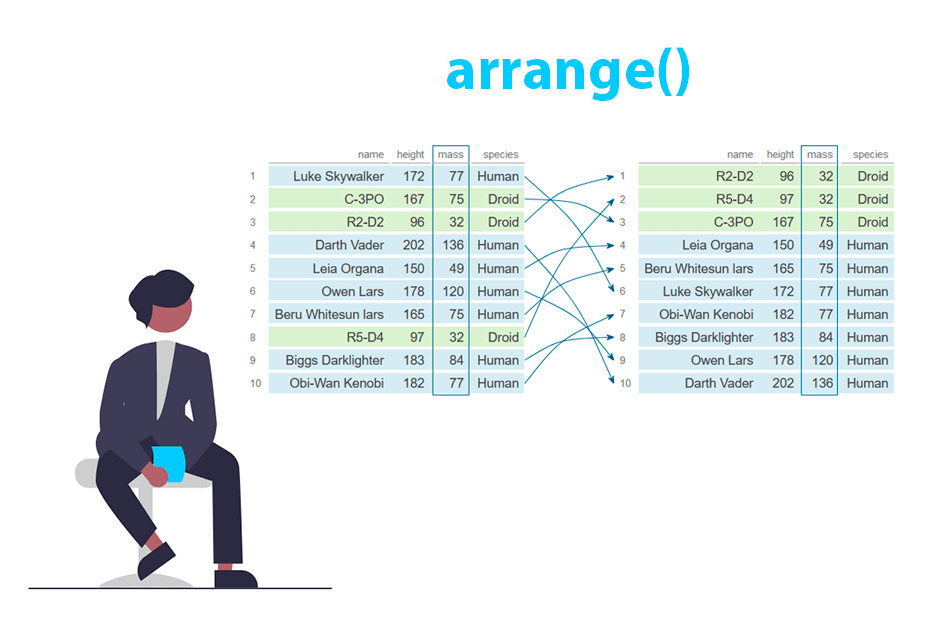
Order rows with the arrange() function from dplyr
dplyr
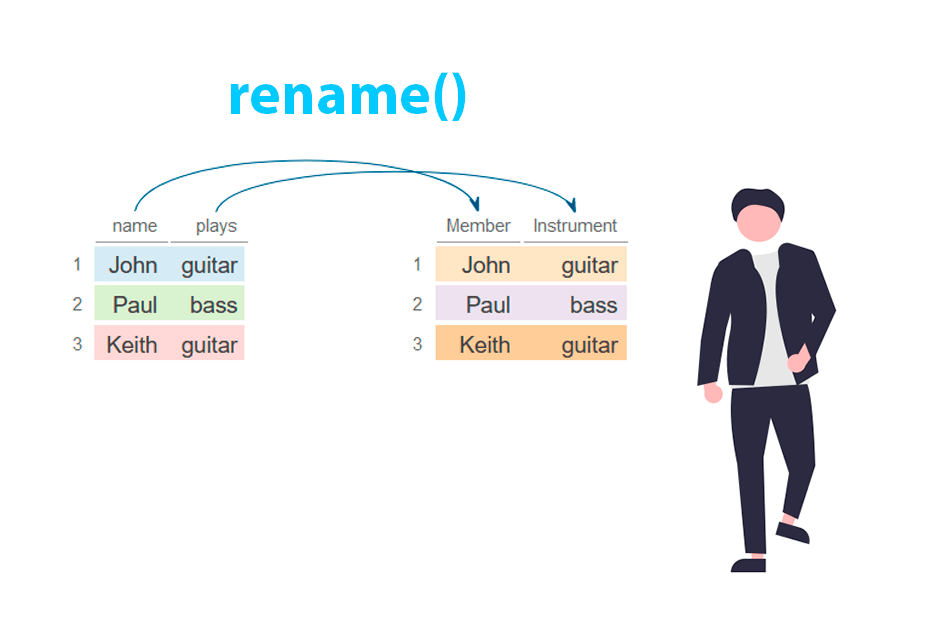
Rename columns with the rename() function from dplyr
dplyr
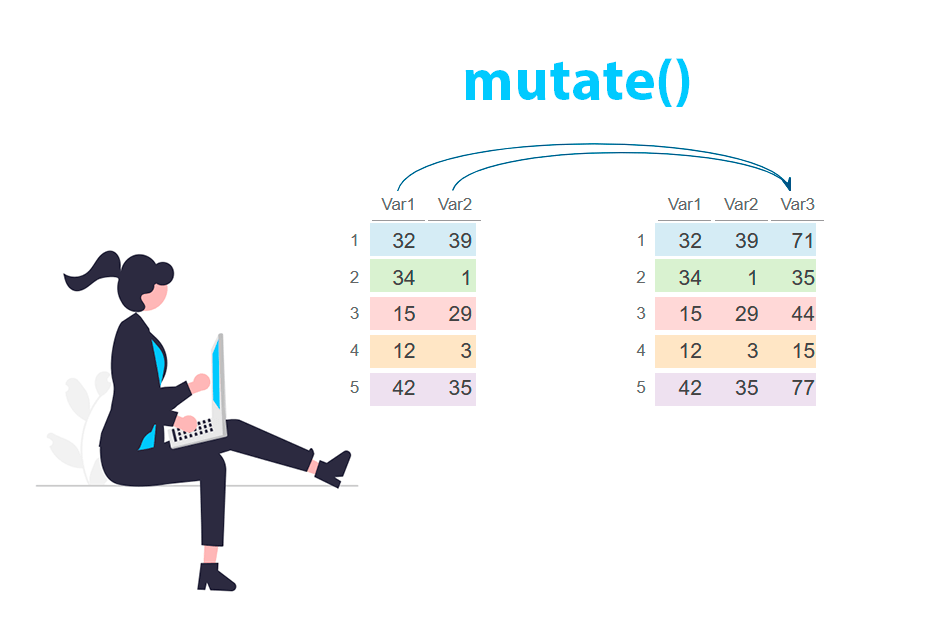
Create and modify columns with the mutate() function from dplyr
dplyr
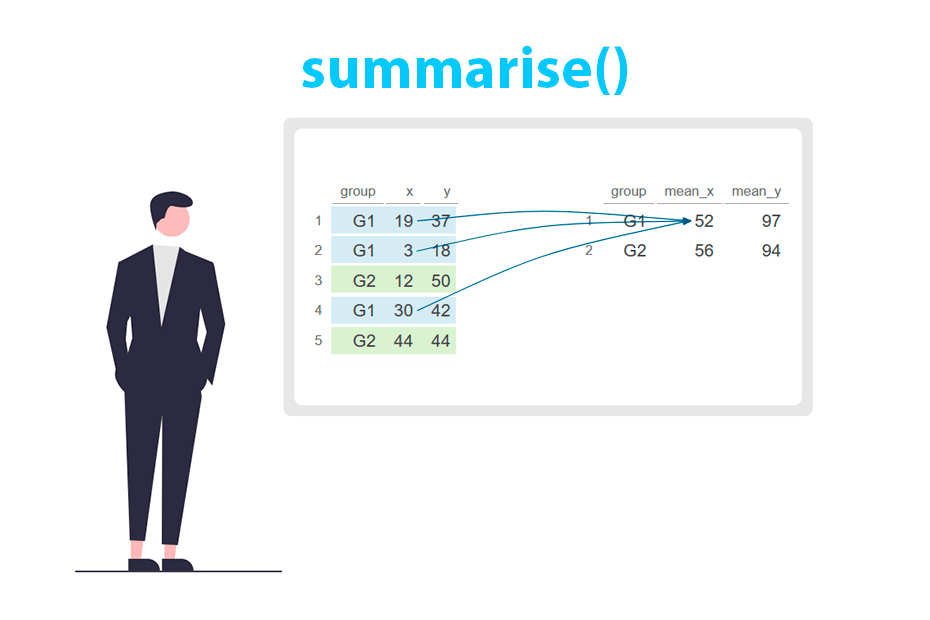
Create statistical summaries with the summarise() function from dplyr
dplyr
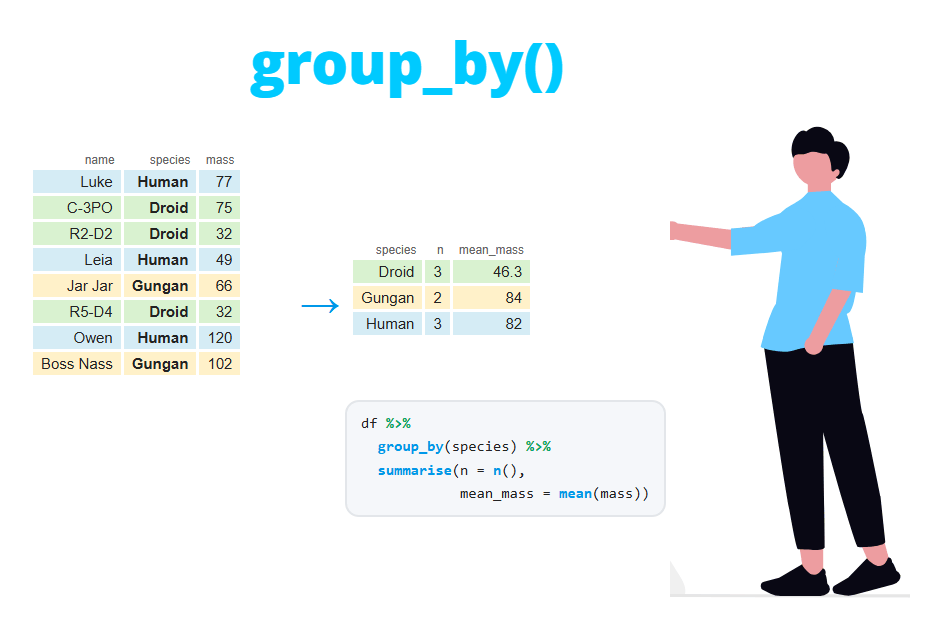
Group data with the group_by() function from dplyr
dplyr
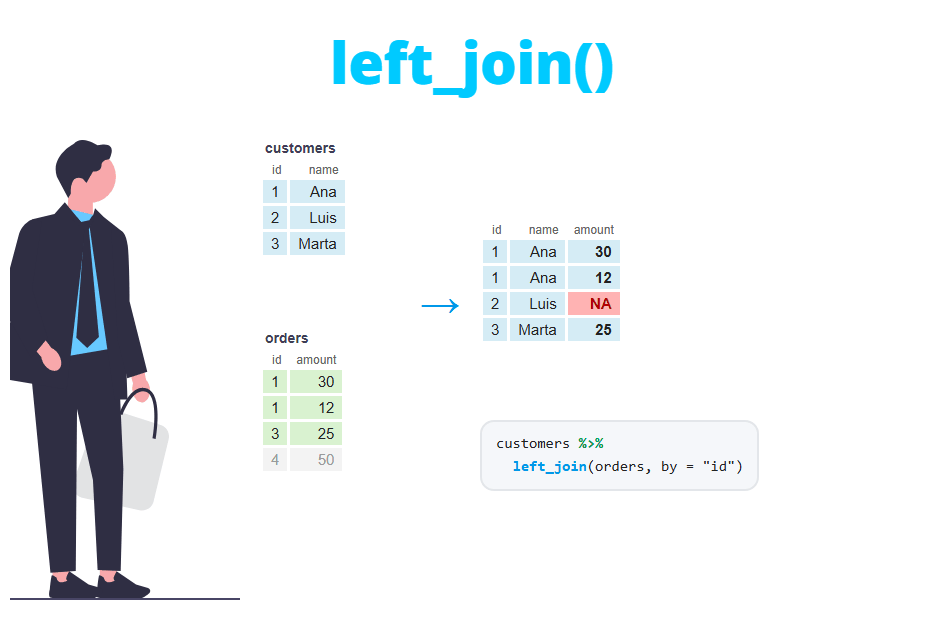
Join data frames with dplyr: left_join, inner_join, anti_join and more
dplyr
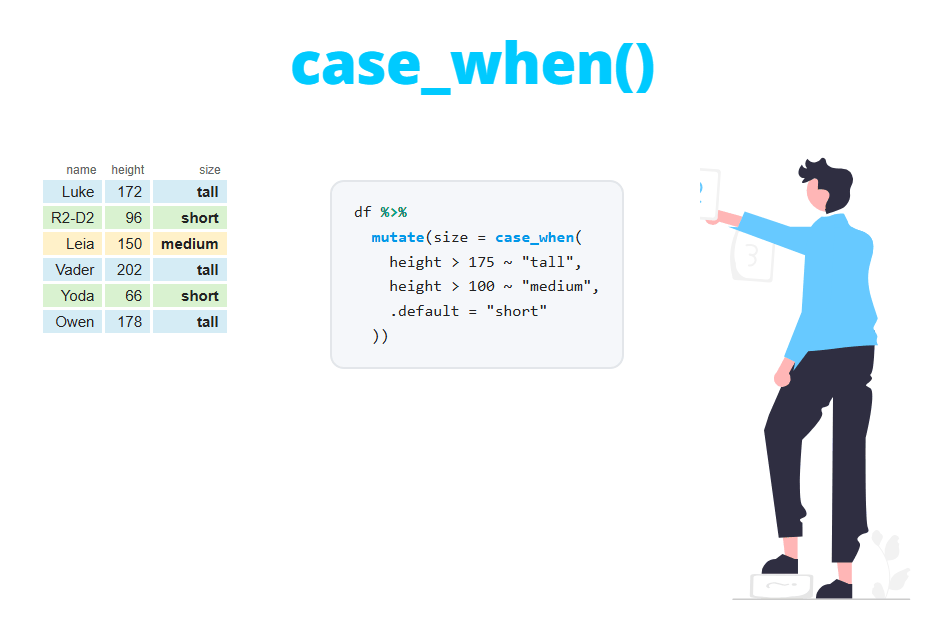
case_when() and if_else() in dplyr: conditional values
dplyr
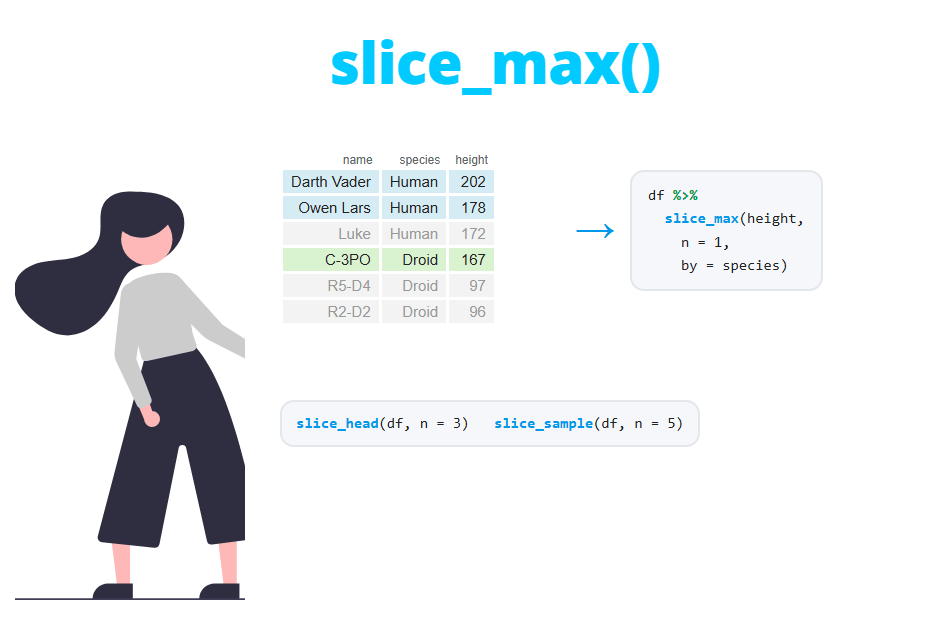
Select rows by position with slice() in dplyr
dplyr
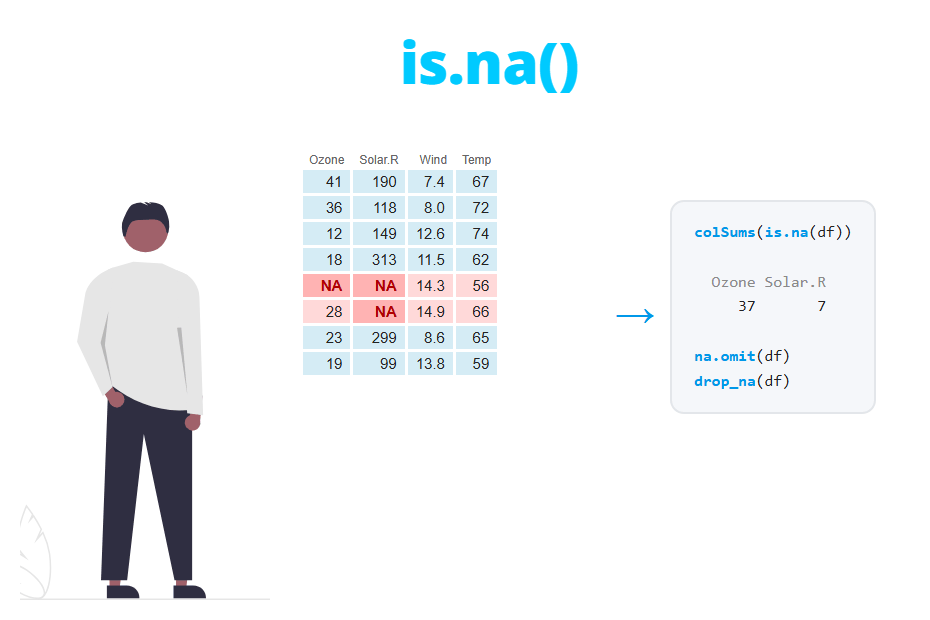
Missing values (NA) : find, count, remove and replace
Data transformation
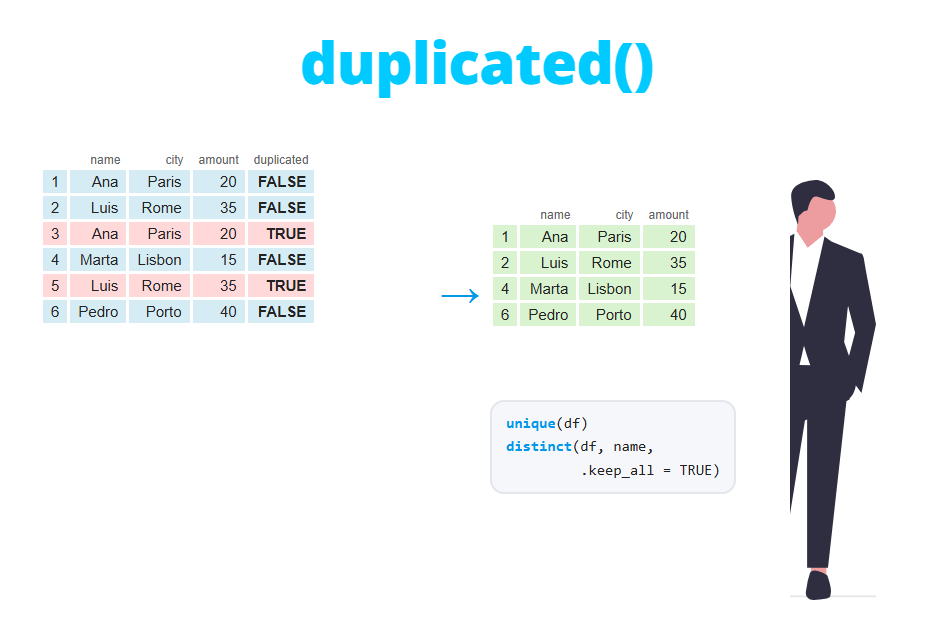
Remove duplicates with unique(), duplicated() and distinct()
Data transformation
¿What is DATA MANIPULATION?
Data manipulation, also known as data wrangling, refers to the process of transforming and cleaning raw data into a structured format suitable for analysis. This process involves various operations such as filtering, sorting, aggregating, merging, reshaping, and transforming data to make it more organized, understandable, and ready for analysis. R provides several functions to perform these tasks, but dplyr is one of the most popular and widely used R packages for data manipulation.
-
Base R
Data manipulation in base R involves using the core functions and methods provided by R's base package for handling, transforming, and manipulating data structures such as vectors, matrices, arrays, data frames, and lists. -
dplyr
dplyris an R package designed for efficient and user-friendly data manipulation. It provides a set of functions that streamline data wrangling tasks by offering a consistent grammar for manipulating data frames and data tables.